Phone Charger Buying Guide Nepal: Watts Are Not Enough
Buying a phone charger: start with the phone, not the wattage
A charger marked 30W, 33W or 45W can look like a simple upgrade. The bigger number seems to promise a shorter wait. But the adapter, cable and phone have to work together before that number means anything useful.
This guide is for anyone replacing a lost charger or buying a spare in Nepal. It uses manufacturer support pages and USB standards information checked on 14 October 2026. It does not certify a particular NikoDeal accessory, promise a charging time or assume that one charger gives every phone its fastest speed.
Three details to bring to the shop
Write down the exact phone model. A brand name alone is not enough: different phones from the same brand can have different charging limits and requirements. Find the charging guidance for that model on its manufacturer's support page, or ask the seller to show you the relevant specification.
Bring the cable you plan to use, if you already have one. Note whether it has USB-C at both ends or USB-A at the charger end. That physical connection is one part of the decision, but it is not the whole compatibility check.
Finally, decide whether you need one charging port or several. For a multi-port adapter, ask what each port provides when other devices are connected. Do not assume the large total printed on the box is available to your phone from every port in every situation. Check the adapter's own documentation for the combination you intend to use.
USB-C is a connector, not a speed guarantee
USB-IF, the organization responsible for USB standards, explains that cables do not all have the same capabilities. A cable that fits is therefore not proof that it supports the charging setup you want.
USB Power Delivery, often written as USB PD, is a charging specification. USB-IF describes it as a way for devices to request and receive the power they need. That is different from simply seeing a USB-C socket on an adapter. Check the stated charging standard as well as the port shape and wattage.
Ask a concrete question: "Does this adapter and this cable support the charging mode listed for my exact phone?" That is more useful than asking whether an accessory is "fast" or "universal". If the seller cannot establish the match, do not treat the box's headline wattage as a substitute.
What Samsung's guidance tells you
Samsung says Super fast charging is available only on selected devices and requires a Samsung-approved 25W or 45W adapter. Its support instructions also explain that the available charging speed depends on the connected charger and battery status.
The cable matters too. Samsung discusses 3A and 5A USB-C cables and sells a 45W PD adapter bundle with a 5A cable. That does not mean every Galaxy phone needs the same bundle, or that every cable marked USB-C can replace it without affecting the result. Use the instructions for your model and the requirements of the chosen adapter together.
Some Galaxy phones also have a charging setting that can be enabled or disabled. Before replacing an adapter because it seems slow, check the model's charging settings and supported speeds. Samsung's support steps are a better starting point than assuming the charger is faulty.
What changes with an iPhone
Apple's fast-charge page gives different requirements for different iPhone models. For example, it lists a 40W-or-higher adapter for the iPhone 17 to reach up to 50 percent charge in around 20 minutes under its test conditions. Older models and different charging methods are covered separately.
The useful lesson is not that everyone should buy a 40W adapter. It is that a recommendation must match the phone model, cable and charging method. Apple also notes that actual charging time varies with settings and environmental conditions. A test result should not become a promise that your phone always reaches the same percentage at the same minute.
A short checklist before paying
| Check | What to ask |
|---|---|
| Phone model | Which manufacturer's charging specification are we matching? |
| Adapter | What charging standard and output does this exact unit support? |
| Cable | Is its connector and power capability suitable for that setup? |
| Multiple ports | What output remains when my other device is connected? |
| Package | Is the required cable included, or priced separately? |
Also inspect the accessory's model label and package contents. Confirm the final price and any warranty terms for the unit being sold. Do not assume a phone's warranty or a brand-wide offer automatically covers a separate accessory.
If charging does not work at all, follow the manufacturer's troubleshooting advice rather than treating more wattage as the repair. Samsung advises replacing a fast charger that does not work. An accessory that fails to charge is a different problem from one that charges more slowly than expected.
Choosing from a local catalog
You can browse the NikoDeal accessory catalog, but confirm compatibility for the exact item before ordering. This guide deliberately does not declare that a particular 30W or 33W listing gives every phone its maximum charging speed.
A suitable spare charger is one whose requirements you understand. Paying for extra wattage without checking the cable and charging standard can leave you with the same wait as before. Start with the phone's specification, settle the adapter-and-cable match, then compare price.
Sources checked on 14 October 2026
USB-IF: USB Power Delivery and USB-IF: cables and connectors. Samsung: wall chargers and charging and Samsung: fast charging. Samsung's 45W adapter and 5A cable bundle. Apple: fast-charge requirements.
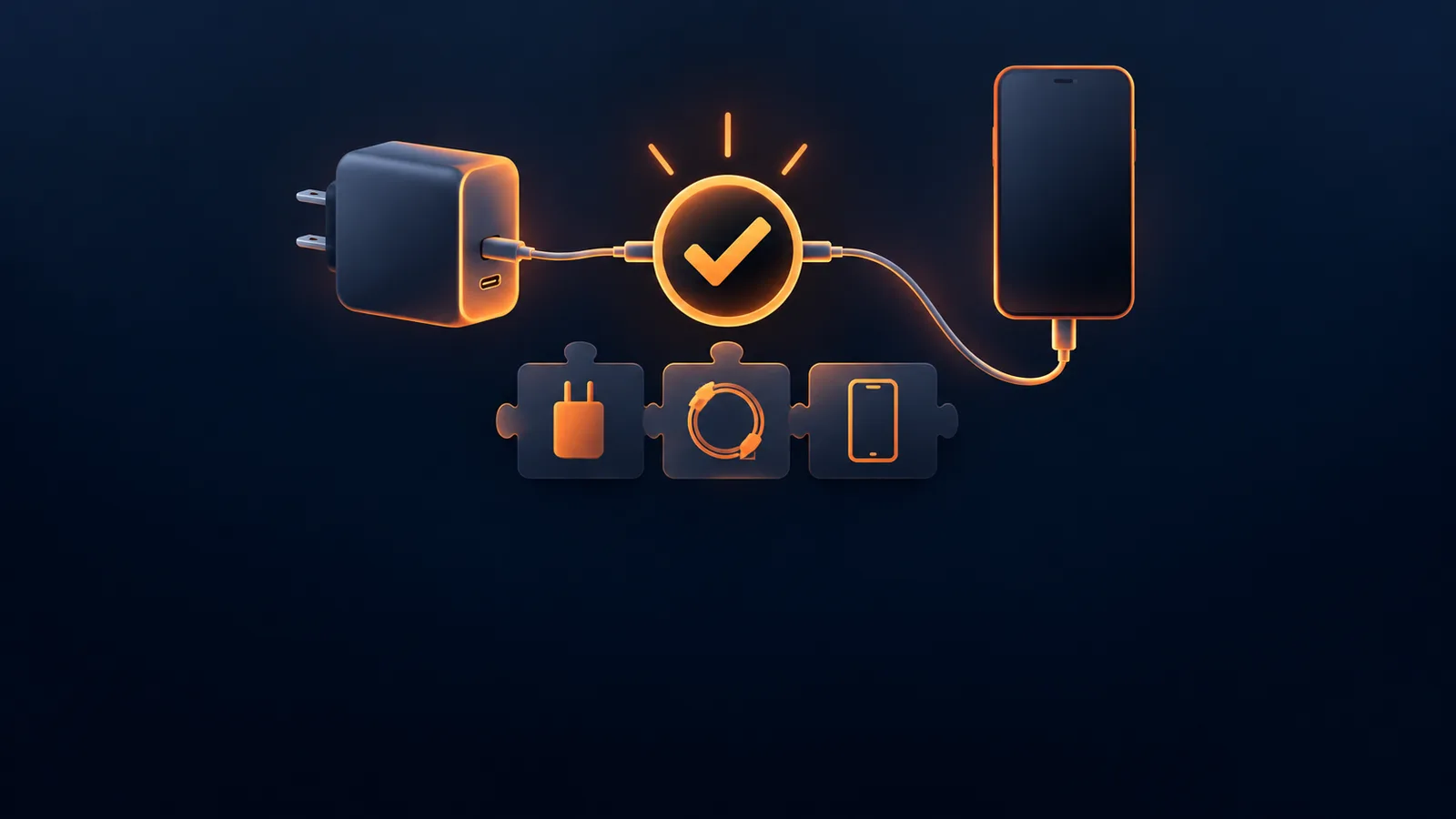
Cover image: conceptual charging illustration, not a product photograph.